
More than half of Arizona’s student-athletes are on Helper Helper this fall, and it shows.
We noticed Arizona Athletics doing a great job sharing service opportunities on social media, so we asked Evan Gray, Assistant Athletic Director for Student-Athlete Development, how they do it. His answer comes down to two things: make opportunities visible early, and make signing up easy. Here’s how his team puts that into practice.
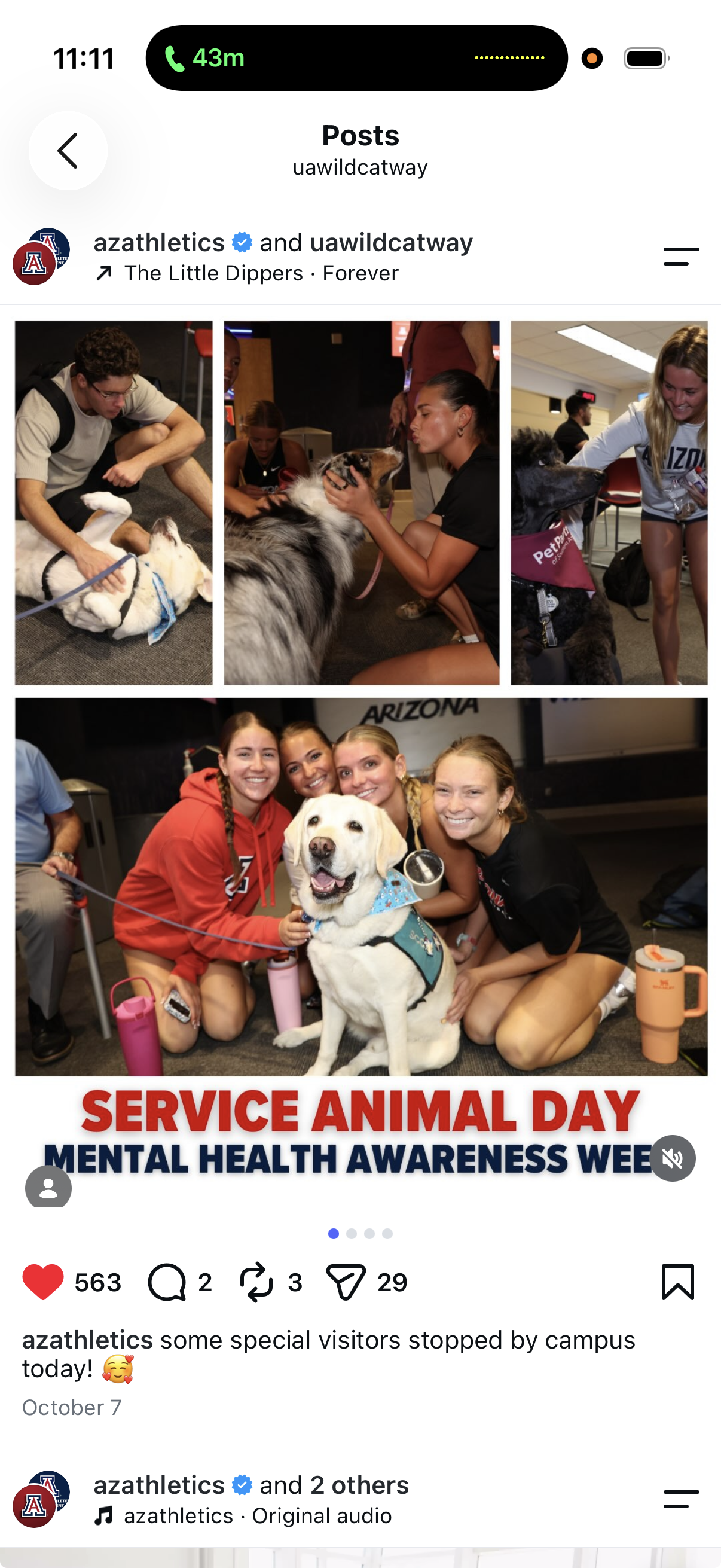
Code Red: student-athletes cheering on student-athletes
Every Arizona team picks one game or competition where they’d love a big showing from fellow student-athletes. Once those dates are set, Evan creates a sign-up opportunity for each in Helper Helper.
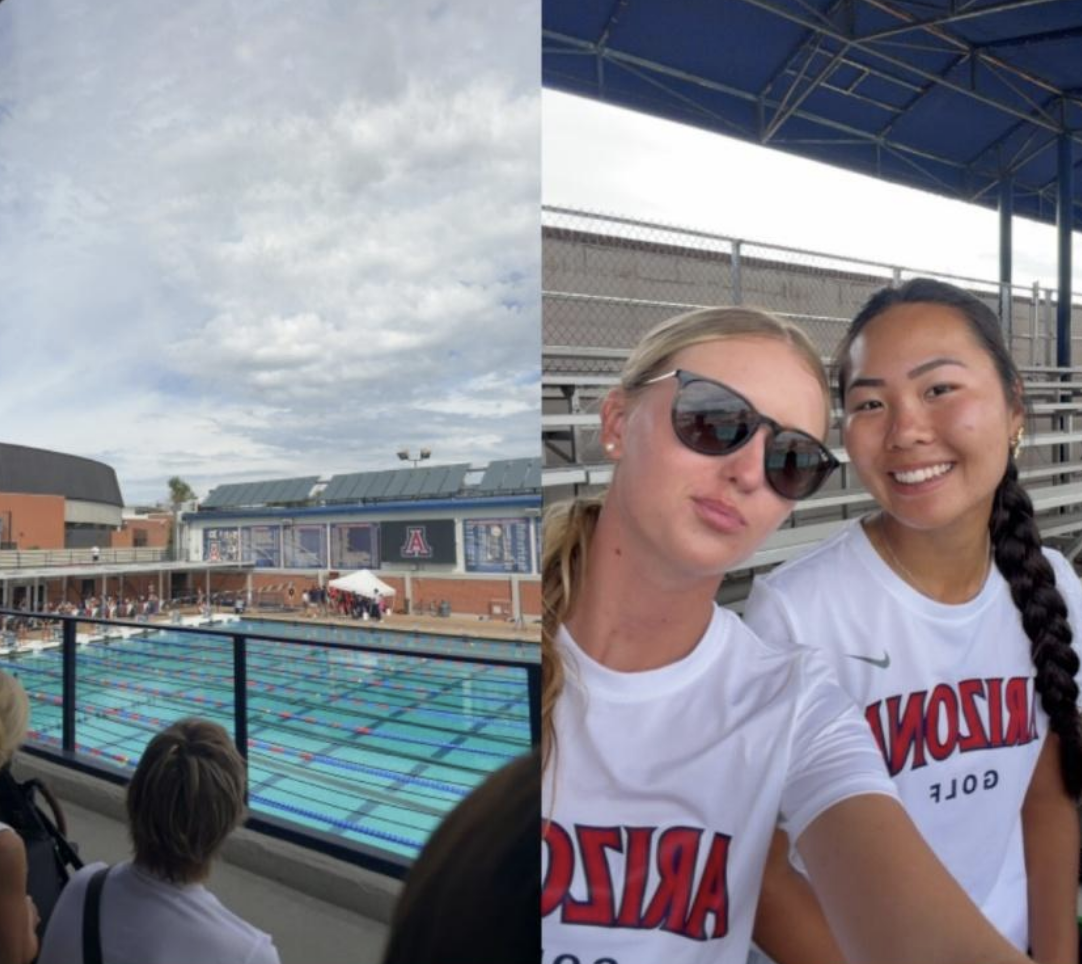
He then shares the links and QR codes with student-athlete leadership groups, coaches, and teams. Signing up takes seconds, and the result goes beyond full stands. Student-athletes support one another and build connections across Arizona Athletics.
Two Helper Helper features make Code Red run smoothly:
- A custom category. Every Code Red event is filed under its own custom category, “Code Red – One Arizona Challenge,” so these events are easy to find and report on.
- Attendance only. Evan sets these events to track attendance only. Student-athletes check in by scanning a QR code at the event, and their time counts toward community engagement.
To make those QR codes, Evan uses the QR Code Generator listed under Resources at the bottom of our Implementation Guide.
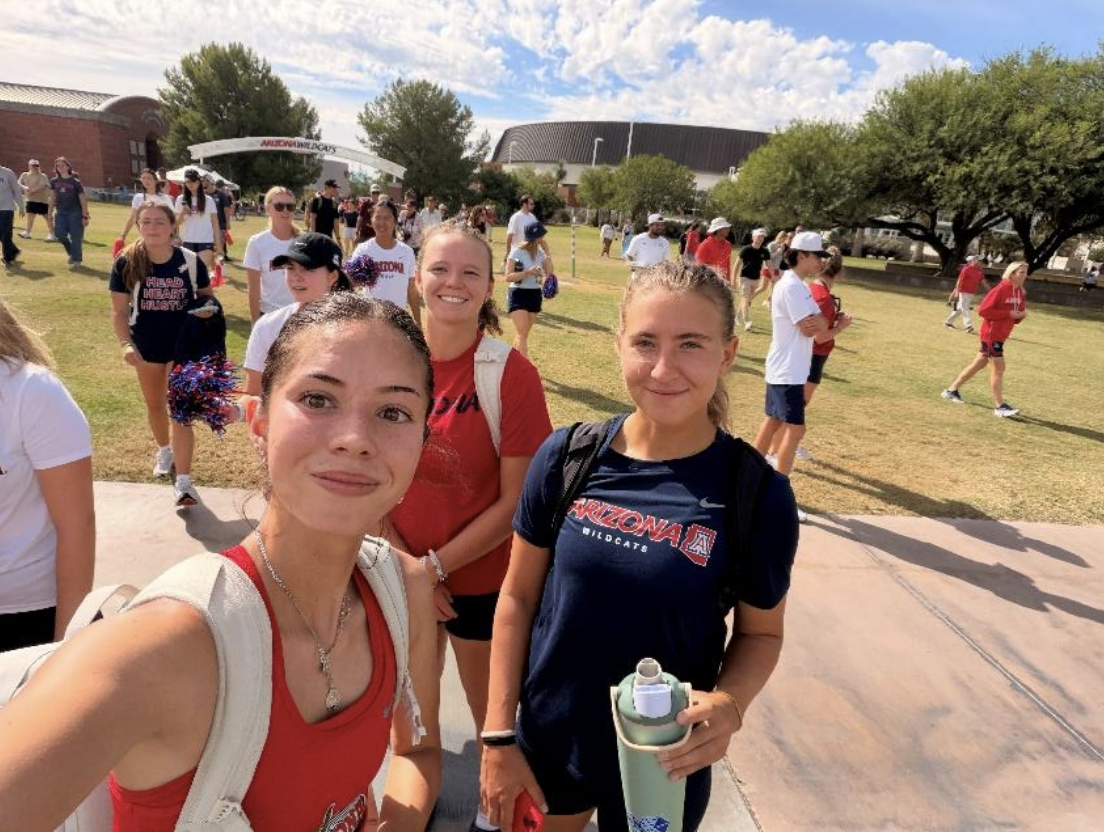
A partnership with the Humane Society of Southern Arizona
This semester, more than 100 Arizona student-athletes have volunteered with the Humane Society of Southern Arizona. They walk dogs, make toys, and create marketing materials that help dogs find homes.
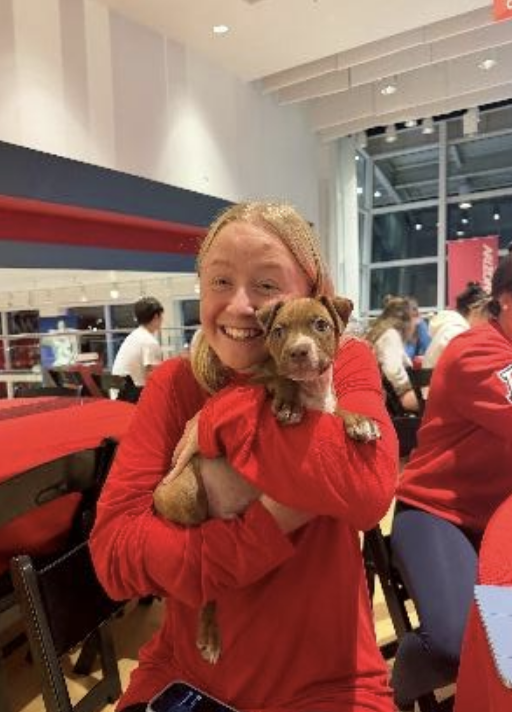
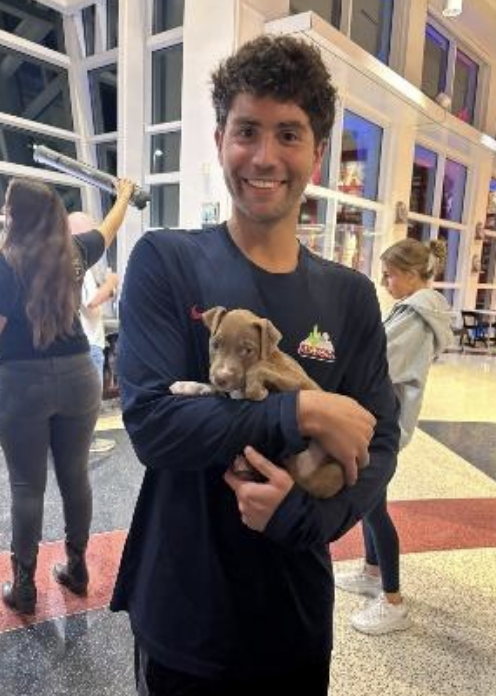
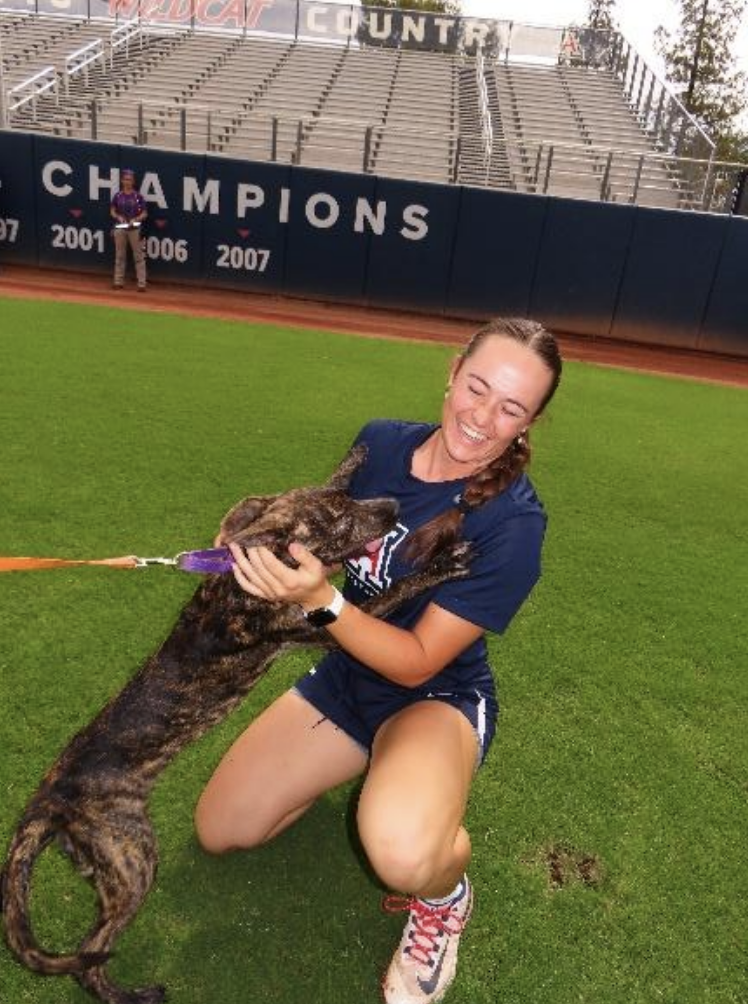
Evan creates a Helper Helper event for each campus visit and shelter shift, then shares the sign-up link and QR code. When the Humane Society visited a SAAC meeting, one QR code on the screen brought in 50 student-athlete sign-ups.
The partnership has also become his go-to answer when a team asks for a service project. He coordinates a visit with the shelter, creates the event in Helper Helper, and the team registers. Beach volleyball, indoor volleyball, and softball have all done it, and women’s basketball is next.
As Evan puts it, making opportunities visible and registration simple has helped turn team interest into meaningful community involvement.
Evan’s tips for driving participation
“My biggest recommendation for increasing Helper Helper participation is to make opportunities visible early and easy to access.”
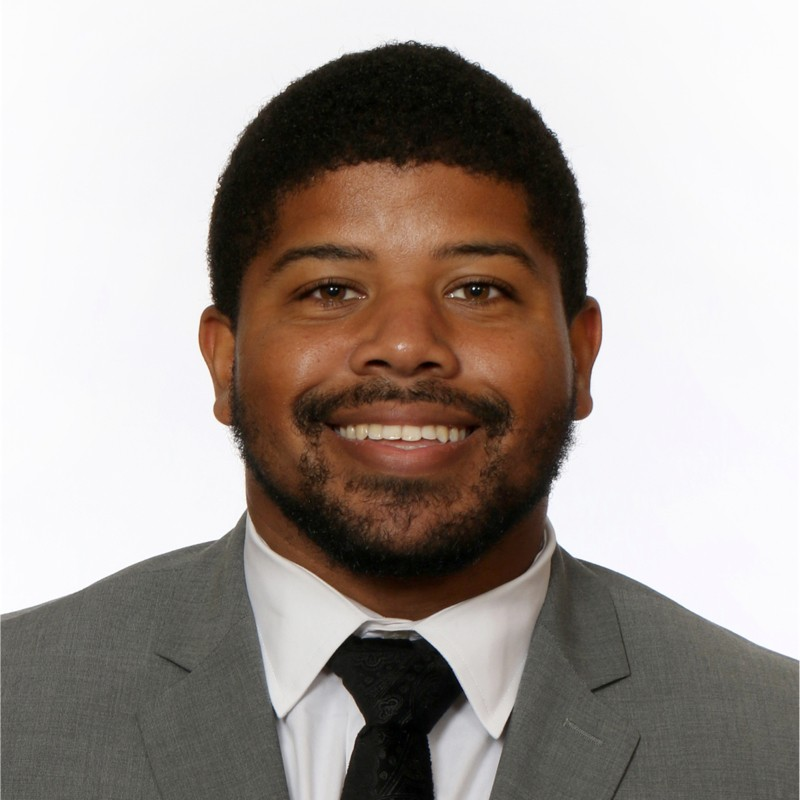
Evan Gray
Assistant Athletic Director, Student-Athlete Development, University of Arizona
- Post early. Share event details with a direct link or QR code several weeks ahead, so student-athletes have time to plan and sign up.
- Give options. For Big 12 Impact Week, Arizona created three different events so student-athletes could pick the one that fit.
- Use every channel. Beyond social posts, opportunities go in the department newsletters to staff, coaches, and student-athletes, and Evan sends sign-up details straight to coaches.
- Ask coaches what’s planned. Evan asks each coach for the service they have planned that semester. With a date and description, he creates the opportunity in Helper Helper and hands back a link or QR code to share.
- Let student-athletes lead. When student-athletes have an idea for service they’d like to do with teammates, Evan helps them set it up as an event.
The takeaway
Arizona’s approach is simple enough for any athletics department to copy. Keep opportunities visible, create events in Helper Helper before they happen, and give teams an easy way to find and share them.
Thank you to Evan Gray and Arizona Athletics for sharing what’s working. Have a best practice of your own? We’d love to hear it.